Claude Just Raised Its Limits. That Does Not Mean You Can Stop Tracking Them.
Anthropic increased Claude Code and API limits after a new compute deal with SpaceX. Here is what it means for heavy AI users, and why quota visibility still matters.
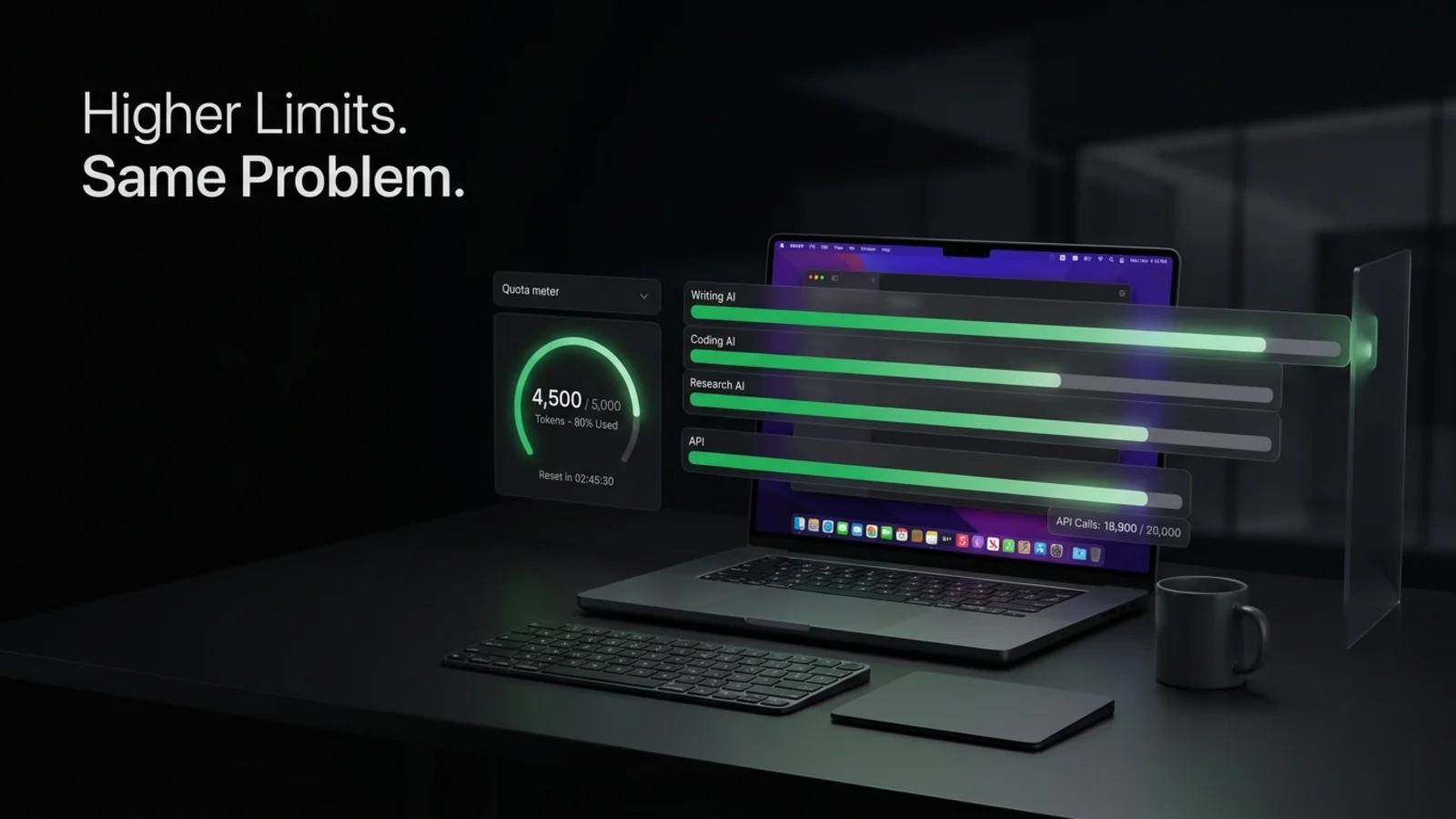
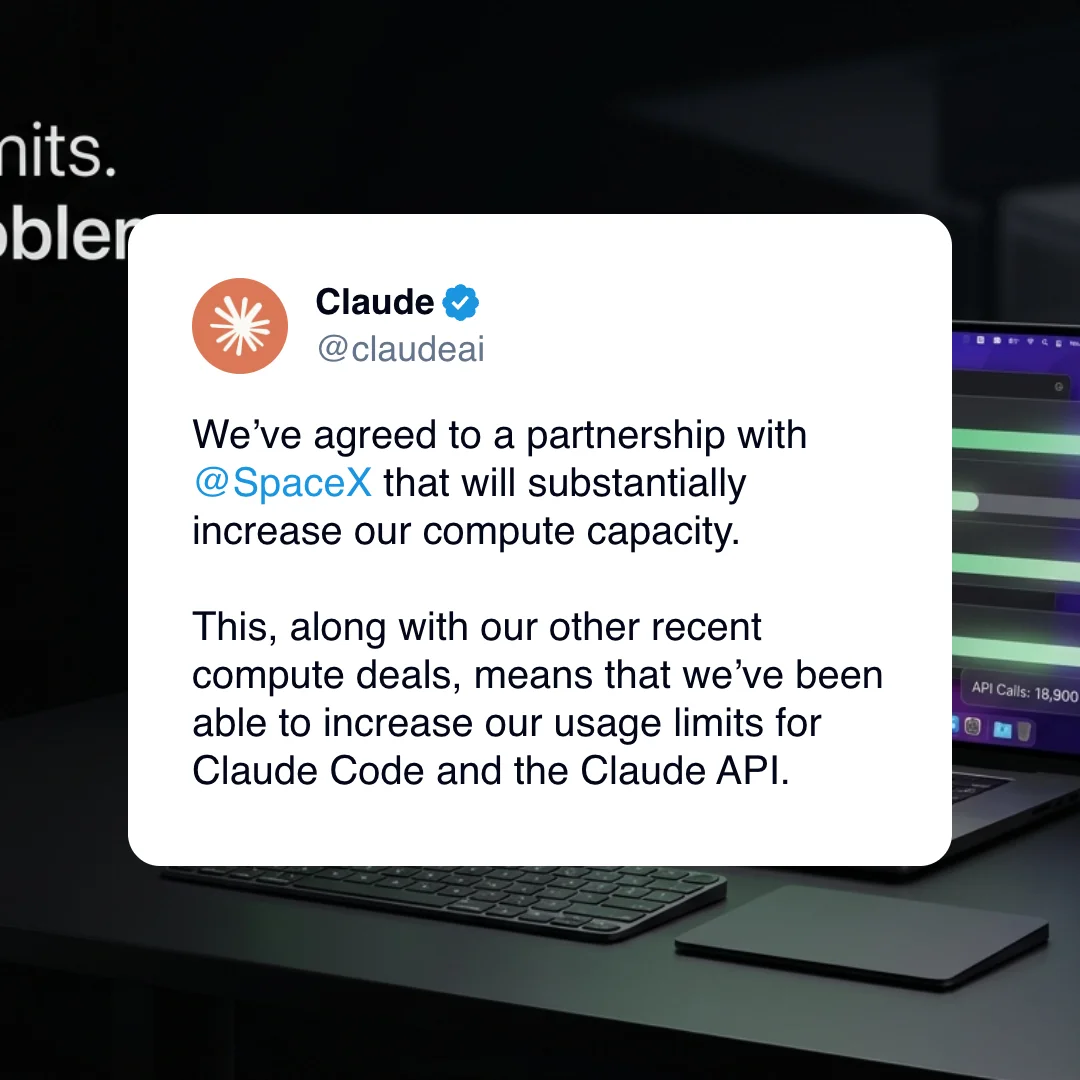
Anthropic just announced higher usage limits for Claude Code and the Claude API, backed by a new compute partnership with SpaceX. For heavy AI users, this is good news. More capacity means fewer interruptions. Bigger limits mean more room for long coding sessions, deep research, document work, agent workflows, and API-heavy experiments.
But it does not remove the real problem. The problem was never only that limits were too low. The problem is that most people do not know where they are in their limit cycle until the tool stops them.
That is the part that still breaks your flow.
What changed?
Anthropic announced three major usage limit changes:
| Change | Who it affects | Why it matters |
|---|---|---|
| Claude Code five-hour rate limits are doubled | Pro, Max, Team, and seat-based Enterprise users | Longer work sessions before hitting a usage wall |
| Peak-hour limit reductions are removed | Pro and Max users | More predictable access during busy periods |
| Claude Opus API rate limits are increased | API users | More room for high-throughput workflows and production workloads |
For Claude Opus API users specifically, the new per-minute rate limits per tier (before → after):
| Tier | Input tokens / min | Output tokens / min |
|---|---|---|
| 1 | 30,000 → 500,000 | 8,000 → 80,000 |
| 2 | 450,000 → 2,000,000 | 90,000 → 200,000 |
| 3 | 800,000 → 5,000,000 | 160,000 → 400,000 |
| 4 | 2,000,000 → 10,000,000 | 400,000 → 800,000 |
The announcement also says Anthropic signed a deal with SpaceX to use all compute capacity at the Colossus 1 data center, adding more than 300 megawatts of capacity and over 220,000 NVIDIA GPUs within the month. That is a serious capacity expansion.
It also tells us something important about the future of AI subscriptions: limits are not going away. They are becoming more dynamic, more plan-specific, and more tied to infrastructure capacity.
Higher limits are still limits
When a provider doubles a limit, the user reaction is obvious: “Great, I can work longer.” And that is true.
But doubling a limit does not change the shape of the problem. It only moves the wall further away.
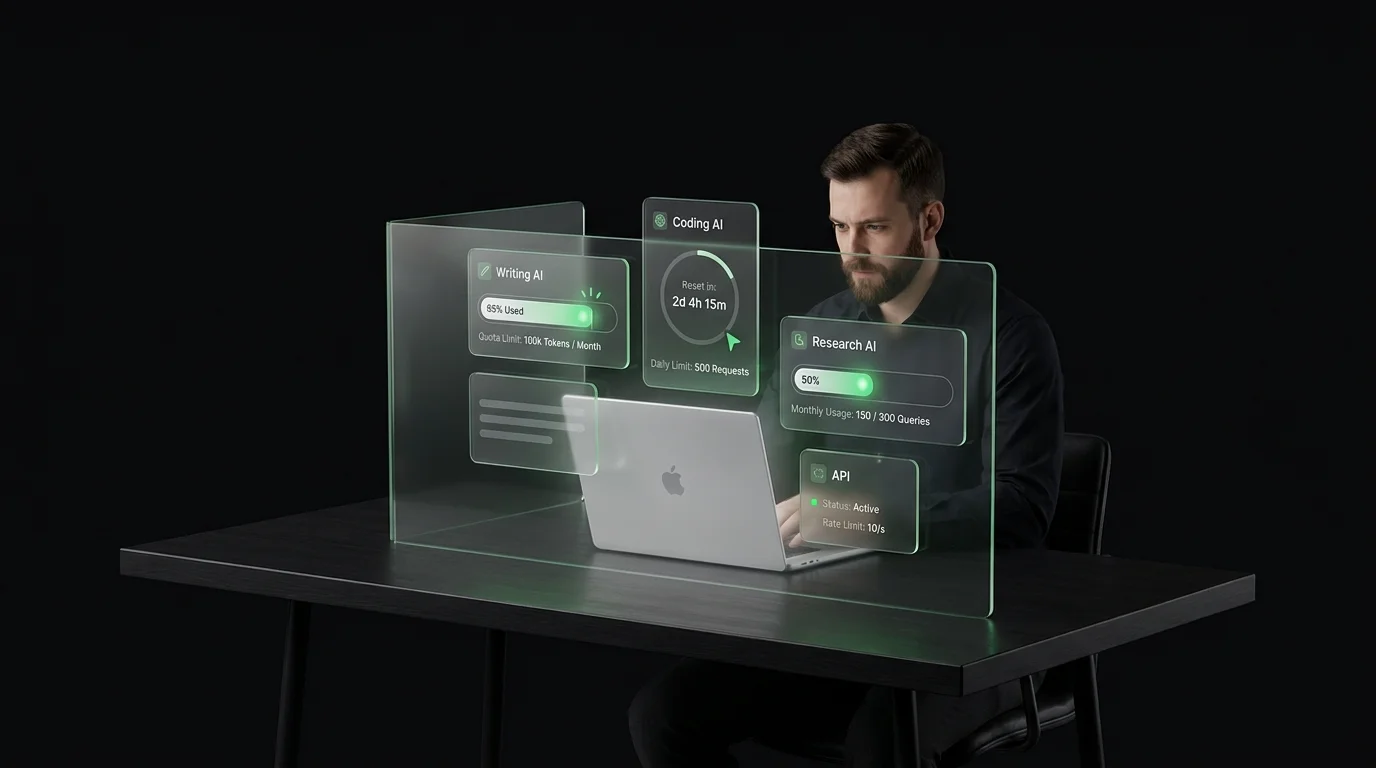
If you use AI lightly, you may never notice. But if you use AI all day, across multiple tools, the pattern remains familiar:
- You start a long task.
- You get into flow.
- You ask for one more generation, refactor, rewrite, or analysis.
- The tool says you have hit a limit.
- Your brain has to switch context.
The actual cost is not the blocked message.
The cost is the broken session.
The new AI workflow is not one tool anymore
A lot of people still talk about AI limits as if users have one subscription and one dashboard. That is not how serious users work anymore.
A consultant might use one AI tool for strategy, another for writing, another for research, and another for code. A marketer might use different tools for ideation, long-form content, SEO review, and data analysis. A developer might keep a coding assistant open all day, while also using a general AI assistant for planning and debugging.
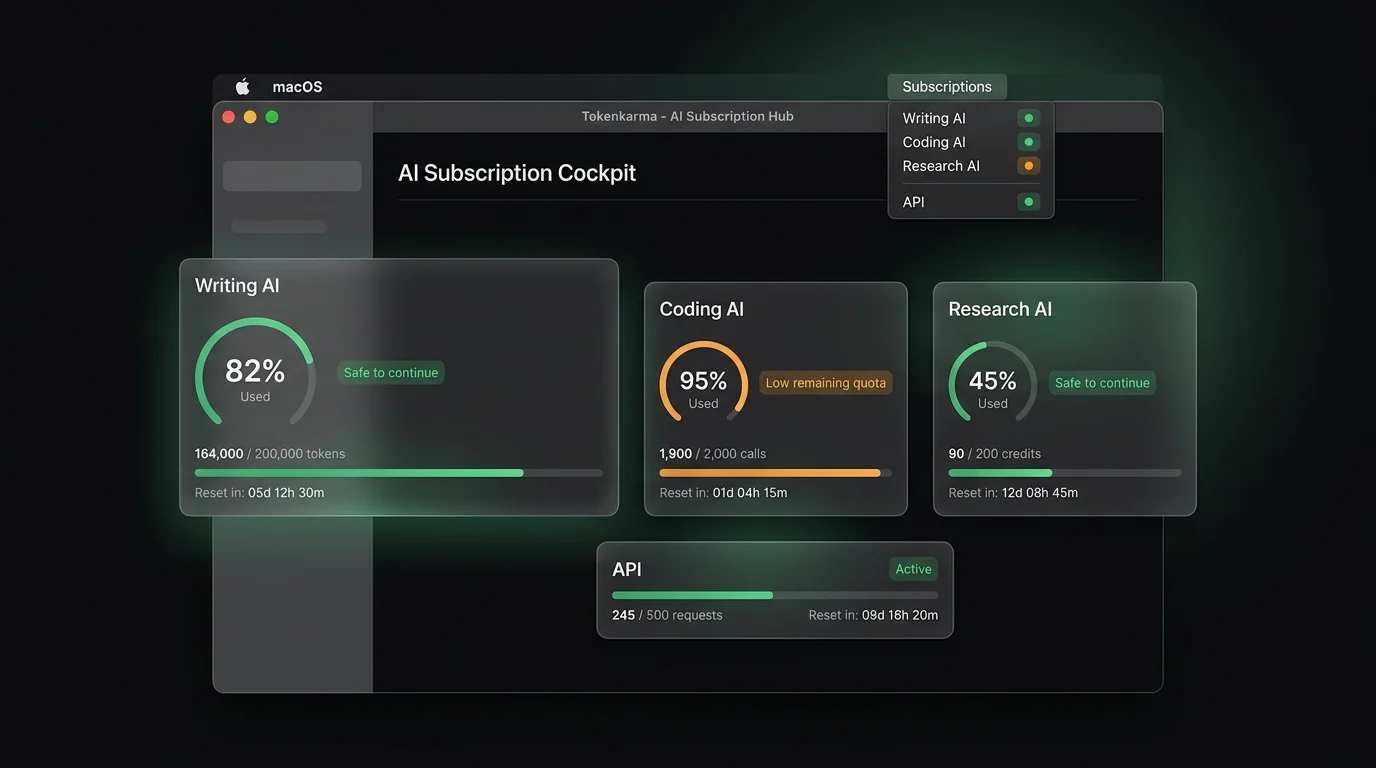
The result is not one clean limit. It is a stack of limits. Some reset every few hours. Some are based on messages. Some are based on tokens. Some depend on model choice. Some change during peak hours. Some are API-based. Some are subscription-based. Some are per workspace or per seat.
That is why higher limits are welcome, but not enough. You still need visibility.
The practical impact for heavy users
Here is the simplest way to think about the announcement.
| User type | What improves | What still needs tracking |
|---|---|---|
| Daily Claude Code user | Longer five-hour coding sessions | Remaining quota inside the active window |
| Pro or Max subscriber | Fewer peak-hour surprises | Current usage across the day |
| API builder | Higher Opus throughput | RPM, input tokens, output tokens, spend ceilings |
| Team user | More usable capacity per seat | Seat-level usage and dormant accounts |
| Multi-tool AI worker | One tool becomes less constrained | The rest of the AI stack still has separate limits |
The key point: this announcement reduces friction inside one part of the AI workflow.
It does not create a single source of truth for your AI usage.
Why quota tracking becomes more important as limits increase
This sounds counterintuitive, but higher limits can make tracking more valuable. When limits are tiny, users are cautious by default. They know they are close to the wall because the wall is always close.
When limits increase, users relax. They start larger workflows. They run longer sessions. They ask for bigger rewrites, deeper analysis, more agent steps, and more ambitious code changes. That is great until the cutoff happens at a worse moment.
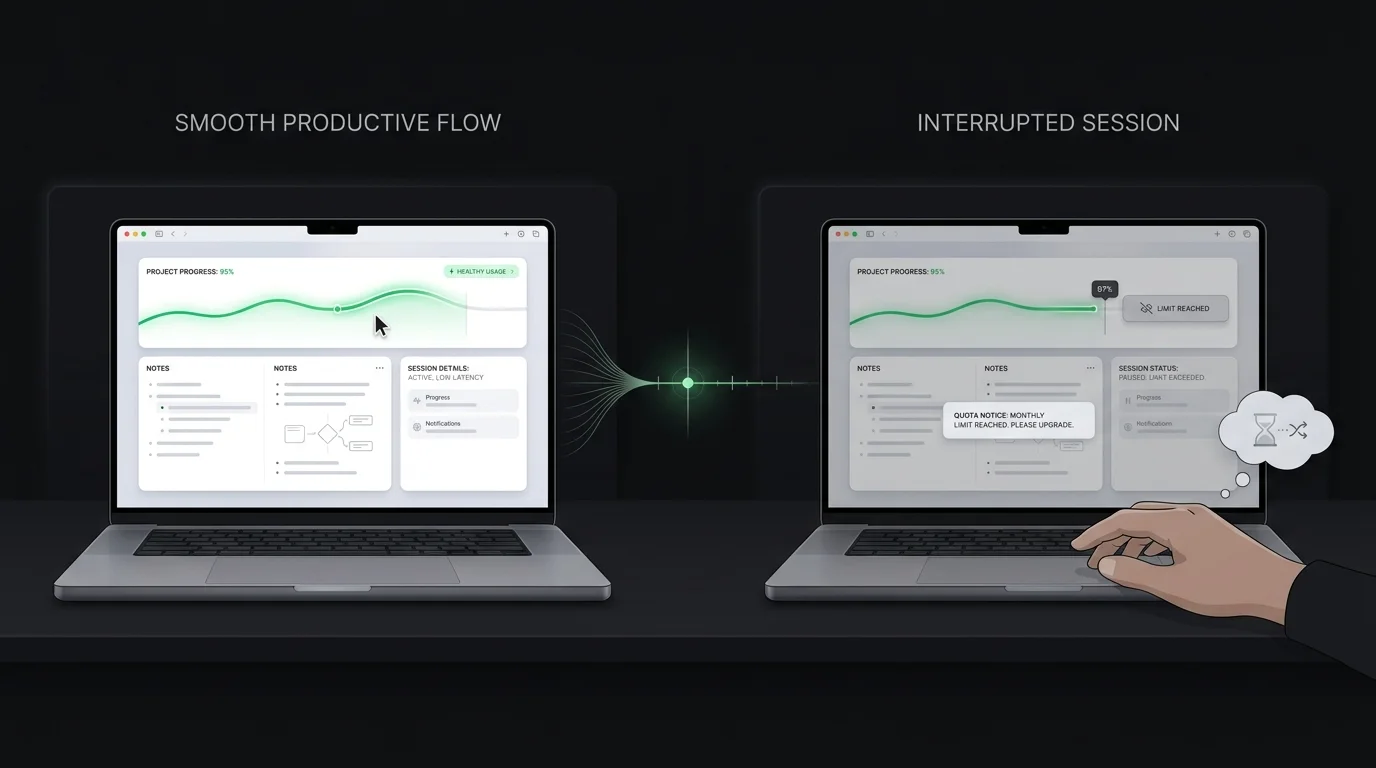
Not after a tiny prompt. After a two-hour coding session. After a full research synthesis. After the AI has been carrying context you do not want to reconstruct.
Higher limits allow more ambitious work. More ambitious work creates more expensive interruptions.
The real user need: “How much do I have left?”
Most AI providers show usage somewhere. The problem is that “somewhere” is not where people work. When you are writing, coding, translating, researching, or planning, you do not want to open billing pages, console dashboards, support docs, or plan-limit pages.
You want a simple answer:
Can I keep going, or should I switch strategy?
That is the missing layer. Not another model. Not another subscription. A visibility layer.
Something that tells you, before the interruption, whether you are safe to keep pushing.
What smart users should do now
If you rely on AI tools every day, the right reaction to higher limits is not to stop caring about usage. It is to get more intentional.
1. Know your active limit window
For tools with rolling or fixed usage windows, the reset time matters as much as the size of the limit. A bigger five-hour allowance is useful only if you know where you are inside that five-hour window.
2. Match the task to the available headroom
Do not start a high-context, high-friction task when you are close to a limit. Start it when you have enough room to finish. Use low-headroom periods for smaller tasks: summaries, rewrites, quick checks, formatting, or simple brainstorming.
3. Track your full AI stack, not just one provider
The more tools you pay for, the harder it becomes to remember which one is safe to use. One tool may be fresh. Another may be almost exhausted. Another may reset in 20 minutes. Another may still be available through API but not through chat. That mental tracking becomes work by itself.
4. Treat limit interruptions as productivity debt
Every time you hit a cap mid-task, you pay twice. First, you wait. Second, you rebuild context. That second cost is usually bigger.
Where Tokenkarma fits
Tokenkarma is built for exactly this kind of AI workflow. It is a Mac menu bar app that shows how much AI quota you have left across the tools you pay for, before you lose access mid-session.
The goal is simple:
- see your remaining usage quickly
- avoid starting big tasks too close to a limit
- get alerts before the cutoff
- stop checking multiple dashboards manually
- stay in flow longer
Higher provider limits are good. Knowing where you stand inside those limits is better.
The bottom line
Anthropic’s SpaceX compute deal is a strong signal that AI providers are racing to expand capacity. That is good for users.
But it also confirms that usage limits are now a permanent part of the AI product experience. They may get bigger. They may become more flexible. They may vary by plan, region, time, model, and workload.
They will still exist.
And for people who use AI seriously, the question is no longer:
“Which tool has the biggest limit?”
The better question is:
“Can I see the limit before it breaks my work?”
That is the layer heavy AI users are missing.
Frequently asked questions
Did Anthropic increase Claude usage limits?
Yes. Anthropic announced higher usage limits for Claude Code and the Claude API on May 6, 2026. Claude Code’s five-hour rate limits are doubled for Pro, Max, Team, and seat-based Enterprise plans. Anthropic also removed the peak-hour limit reduction for Pro and Max users and raised API rate limits for Claude Opus models.
Why did Anthropic increase Claude limits?
Anthropic says the increase is tied to a new compute partnership with SpaceX, alongside other recent compute deals. The SpaceX agreement gives Anthropic access to all compute capacity at the Colossus 1 data center, adding more than 300 megawatts of capacity and over 220,000 NVIDIA GPUs.
Does this mean Claude now has unlimited usage?
No. The announcement increases limits, but it does not remove them. Claude still has usage limits based on plan type, model choice, conversation complexity, features used, and the amount of work being done inside a given time period.
What is the difference between usage limits and context limits?
Usage limits control how much you can use Claude over time. Context limits control how much information Claude can process inside a single conversation. Hitting a usage limit may require waiting, upgrading, or buying extra usage. Hitting a context limit means the conversation itself has become too large.
Do Claude and Claude Code share the same usage limit?
Yes, for Pro and Max users, Claude and Claude Code activity count against the same usage limits. Activity across Claude and Claude Code shares the same usage pool.
What changed for Claude Code users?
Claude Code users on Pro, Max, Team, and seat-based Enterprise plans now get doubled five-hour rate limits. Pro and Max users also no longer face the previous peak-hour limit reduction on Claude Code.
What changed for Claude API users?
Anthropic says it is raising API rate limits considerably for Claude Opus models. API usage is still governed by rate limits, billing rules, and model-specific constraints.
What is SpaceX's Colossus 1 data center?
Colossus 1 is the data center capacity SpaceX is making available to Anthropic through this agreement. Anthropic says the deal gives it access to more than 300 megawatts of new capacity and over 220,000 NVIDIA GPUs.
Will higher limits stop users from hitting AI caps?
Not necessarily. Higher limits reduce the chance of hitting a cap during normal use, but heavy users can still run into limits during long sessions, complex coding tasks, large files, tool-heavy workflows, or high-volume API usage.
Why should users still track AI usage if limits are higher?
Because a bigger limit is still a limit. For heavy AI users, the real problem is often discovering a cap too late, in the middle of a coding session, research workflow, writing task, or client deliverable.
What should heavy AI users do after this announcement?
Heavy users should understand their active limit windows, avoid starting high-context tasks close to a cap, monitor usage across all AI tools they pay for, and pay attention to which tools share the same usage pool.
How does this relate to Tokenkarma?
Tokenkarma helps AI users see remaining quota across the tools they pay for, before a usage cap interrupts their workflow.
Now available
Stop guessing your AI limits
The Mac app and web dashboard watch your Claude, ChatGPT, Gemini and more, and warn you before quotas hit.